
Prayer times and the adhan, the complete Quran with tafsir and recitation, adhkar each with its source, the qibla, fifteen thousand hadith with their references, and a section for children — in one app that works offline.
Version 1.5.0 · about 64 MB · Android 7 and above · How do I install an APK?
This package is for arm64, the architecture of every phone sold since 2017. If your device says the app is not compatible, it is older or 32-bit — download the universal package (about 105 MB).
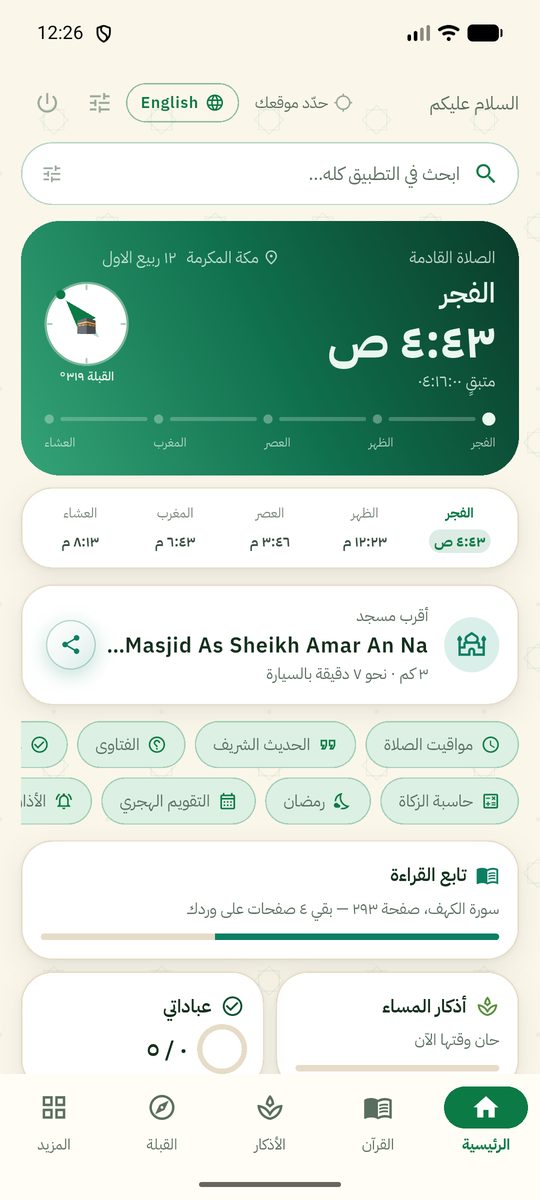
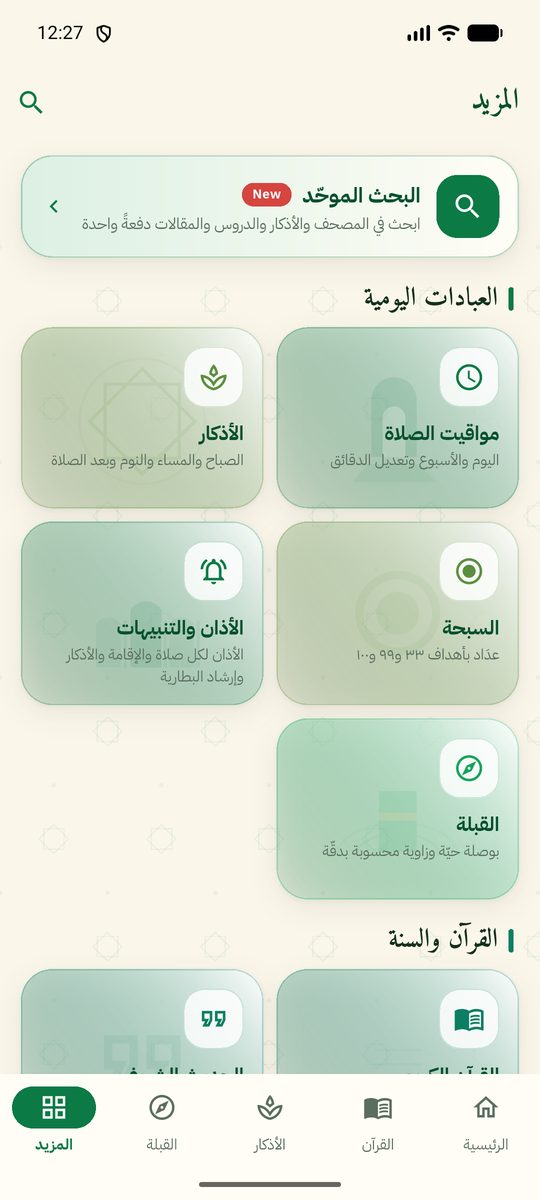
Everything you need in your day. Every religious text in it is quoted verbatim from its source and attributed to whoever said it. The app transmits, it does not issue rulings.
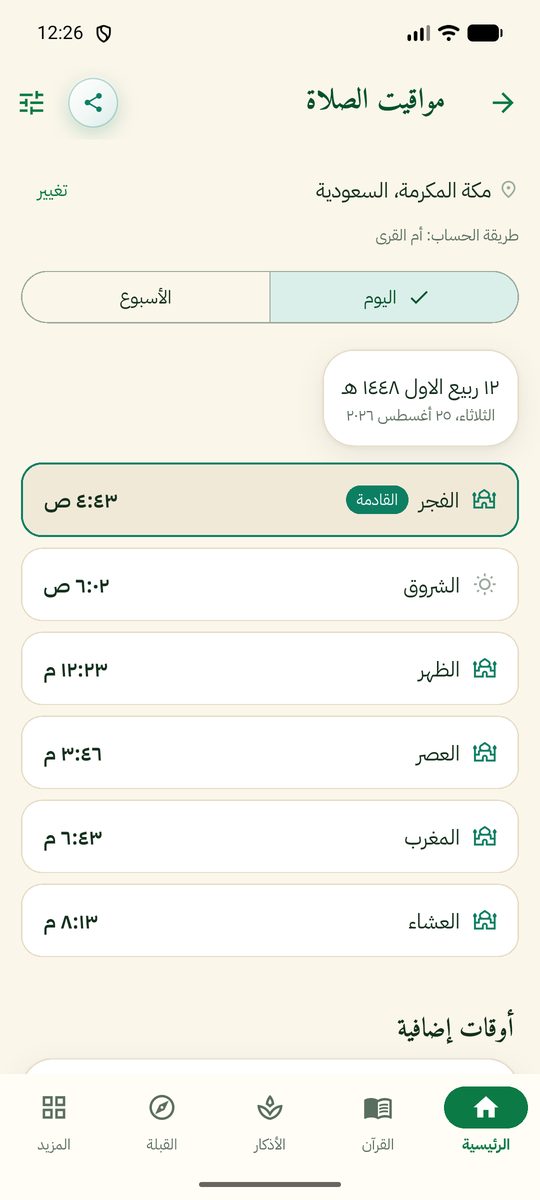
Calculated on your device without internet. Eleven recognised calculation methods, the Asr madhab, high-latitude rules, and a per-minute adjustment for each prayer so it matches your local mosque. Five separate notification channels with a real adhan.
Nine adhan recordings, a recitation by a reciter you choose — a whole surah or particular verses — one of 173 Quran radio stations, or a dhikr shown and spoken when you wake. And it can follow the prayer times, not the clock: so many minutes before Fajr, or the last third of the night — moving by itself as the times shift each day.
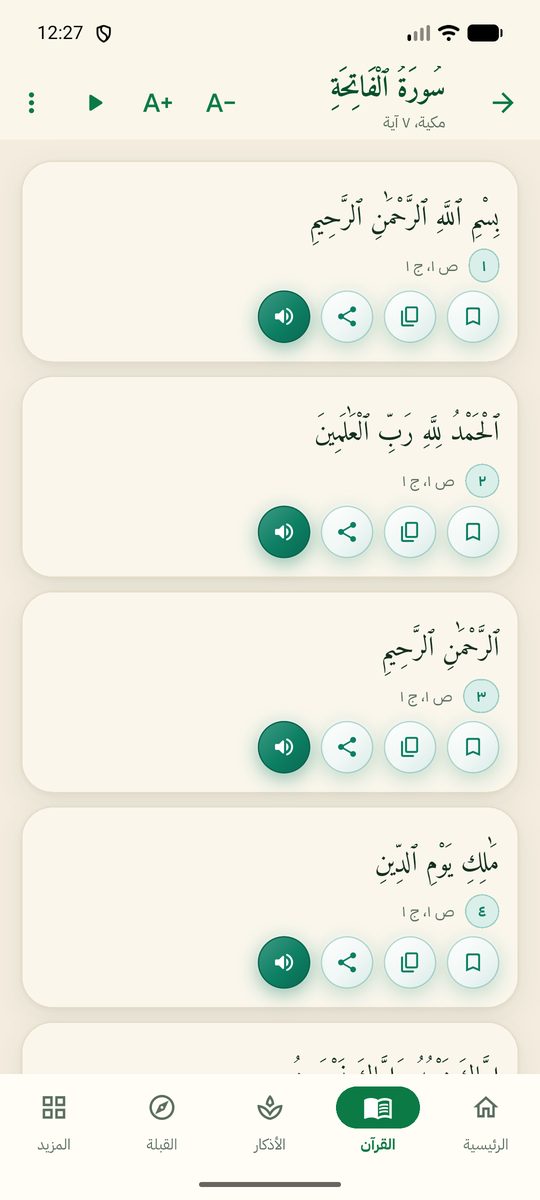
6,236 verses in the Uthmani script, with Tafsir al-Muyassar and an English translation of the meanings — all on your device. Forty reciters you can switch between from the Quran page itself, recitation saved so it plays without a network, your reading position remembered, and Quran radio around the clock.
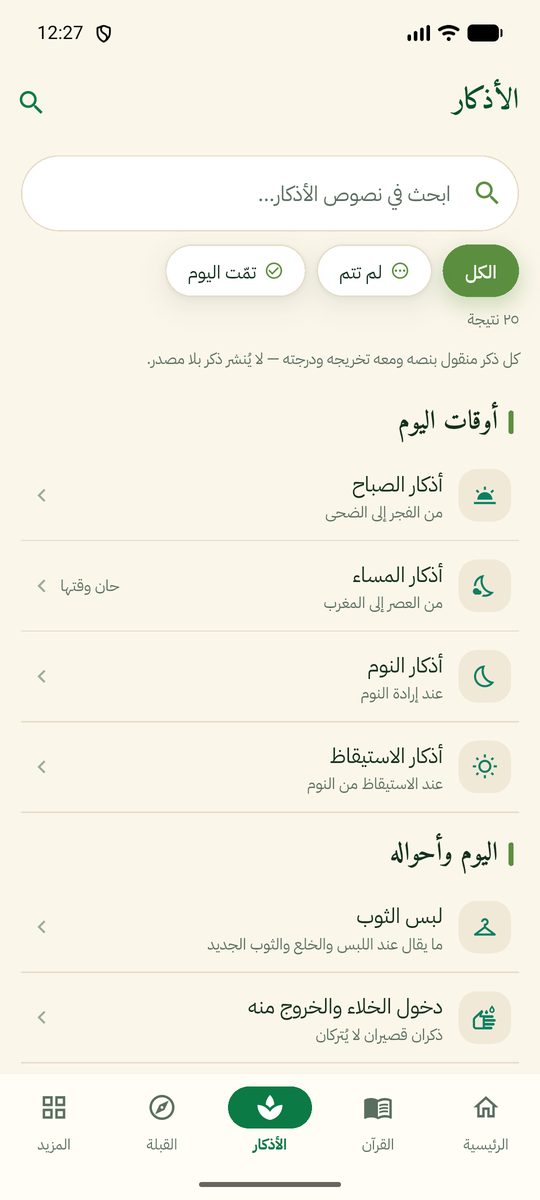
Morning, evening, sleep, waking, after-prayer and daily adhkar — each one with its source and grading. A counter for every dhikr, a tasbih with targets of 33, 99, 100 and 1000, and a recurring reminder within a window you choose.
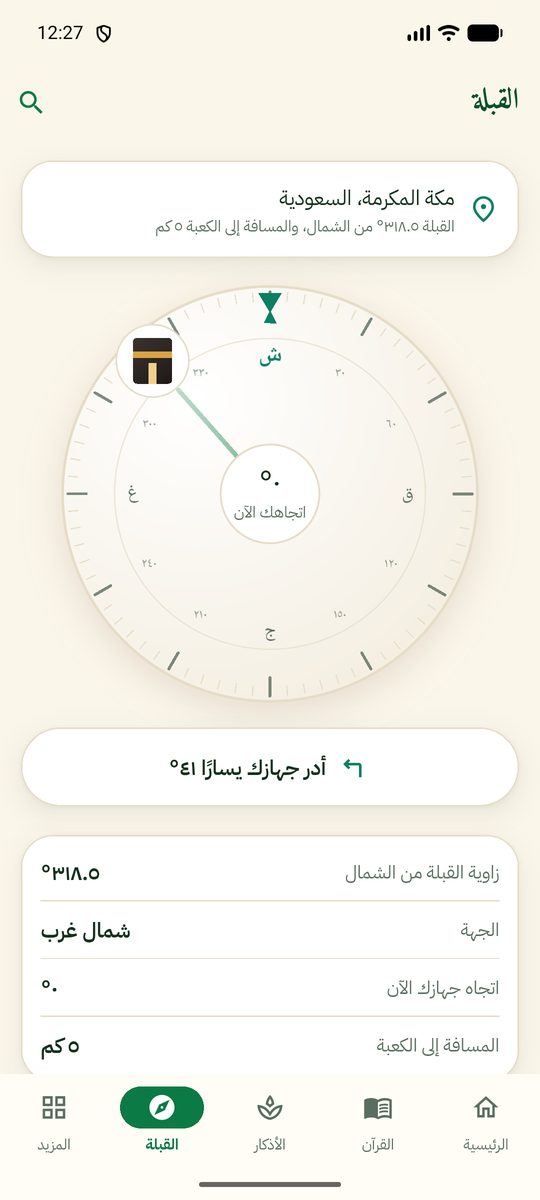
A mathematically computed bearing that works offline, a fully drawn compass dial graduated every five degrees, a vibration when you are aligned, sensor calibration guidance, and your distance to the Kaaba.
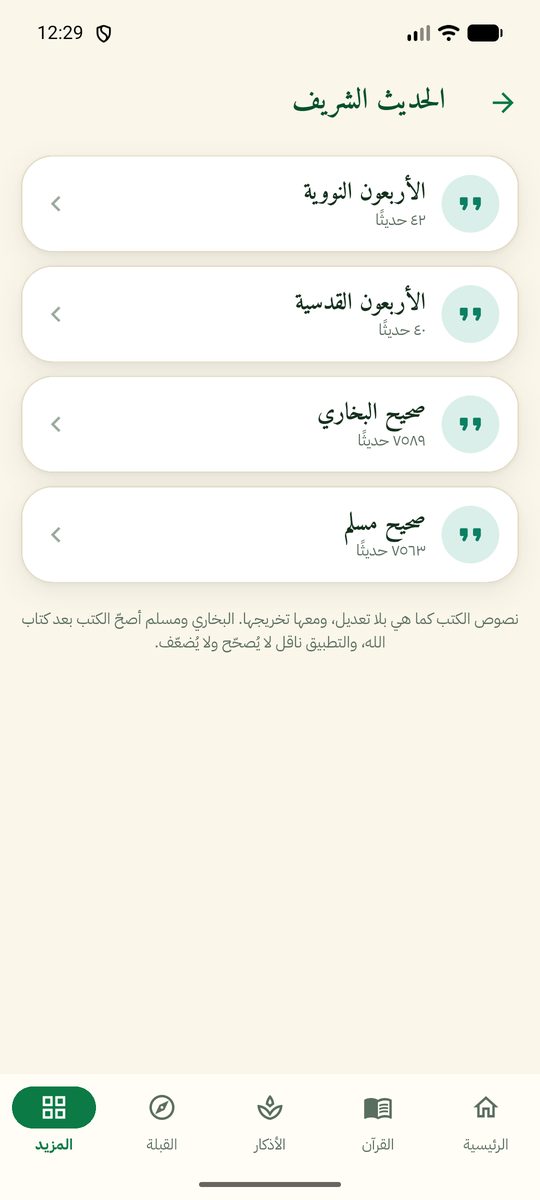
Sahih al-Bukhari, Sahih Muslim, the Forty Nawawi and the Forty Qudsi — 15,234 hadith in Arabic with translation, in their own wording and with their references, all on your device.
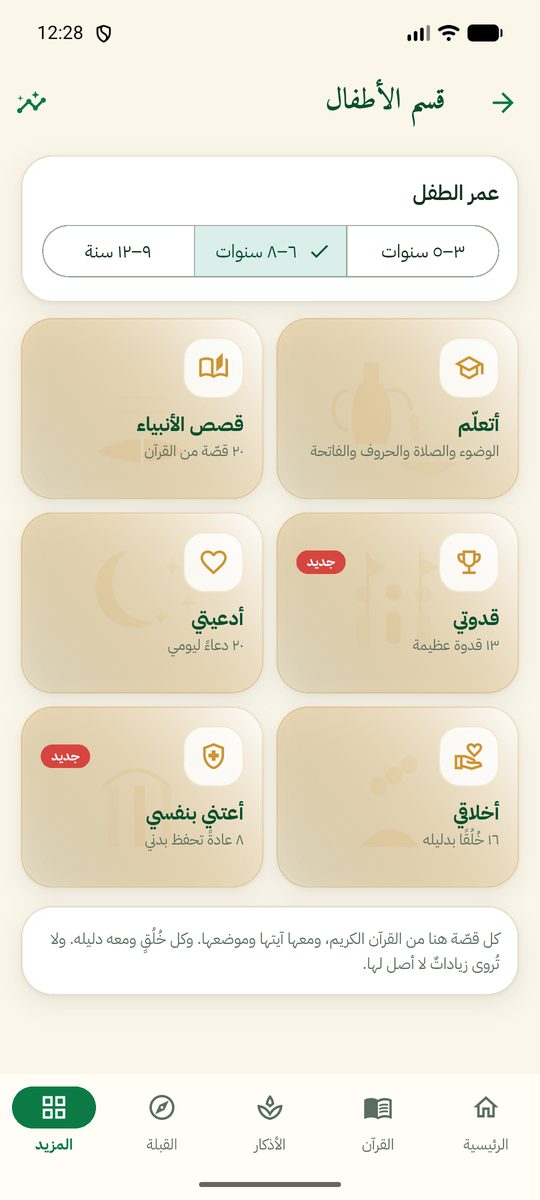
Stories of the twenty-five prophets in order from Adam to Muhammad ﷺ, short duas, manners, healthy habits and great role models, plus “I learn” for ablution, prayer and the Arabic letters. Everything in it can be listened to, for children who cannot read yet: each letter is spoken with its example, and verses and surahs are recited.
A zakat calculator for cash, gold, trade goods and shares; the Hijri calendar with its occasions; the Ramadan imsakiyah; a worship tracker for your prayers, today’s sunnah with its hadith, your adhkar and tasbih; articles on Islamic culture; and nearby mosques and places on the map.
Text scaling from 80% to 300% so an older reader needs no glasses, an elder mode with larger buttons, a night mode that rests the eyes, full right-to-left Arabic support, and listen-aloud for every text.
If your device has no Google Play Store — a Huawei, for instance — download the file from the button above and follow these steps once.
islam-for-all.apk.
We ask for no account and no sign-in, there are no ad networks and no behavioural tracking. And the anonymous usage statistic that is sent can be turned off with one tap.
Prayer times and the qibla are computed on the device. The location permission is entirely optional — you can pick your city from a list instead.
Your city, your preferences, your reading progress and your worship log are stored on the device alone, and all of it is deleted when you uninstall the app.
No AdMob and nothing like it, and no behavioural tracking. Any banner that may appear is managed by the app owner himself, and can be switched off.
How many minutes you use the app, how many days you come back, and which sections you open — under a random id that does not identify you. What you read, what you supplicated with, and your location are never sent. Turn it off in Settings → Privacy.